Running your store on WeedUs
Create your account and subscription here on weedus.app, manage your locations and team — then run daily store operations (ordering, deliveries, POSaBIT inventory, vendor days) in the WeedUs Commerce app.
1.Create your account
Signing up takes about two minutes. You'll need your store's basic details and your Washington retail license number.
- 1Go to weedus.app/auth/register.
- 2Fill in your name, email, and a password, then choose the Retailer card.
- 3Press Continue and enter your store details: business name, address, phone, business email, and your WA retail license number.
- 4Press Create Account. We'll send a verification link to your email — open it and click the link.
- 5After verifying, you can sign in right away. Your account starts with limited access while our team reviews it; you can already pick a plan (next section). Once approved, everything unlocks.
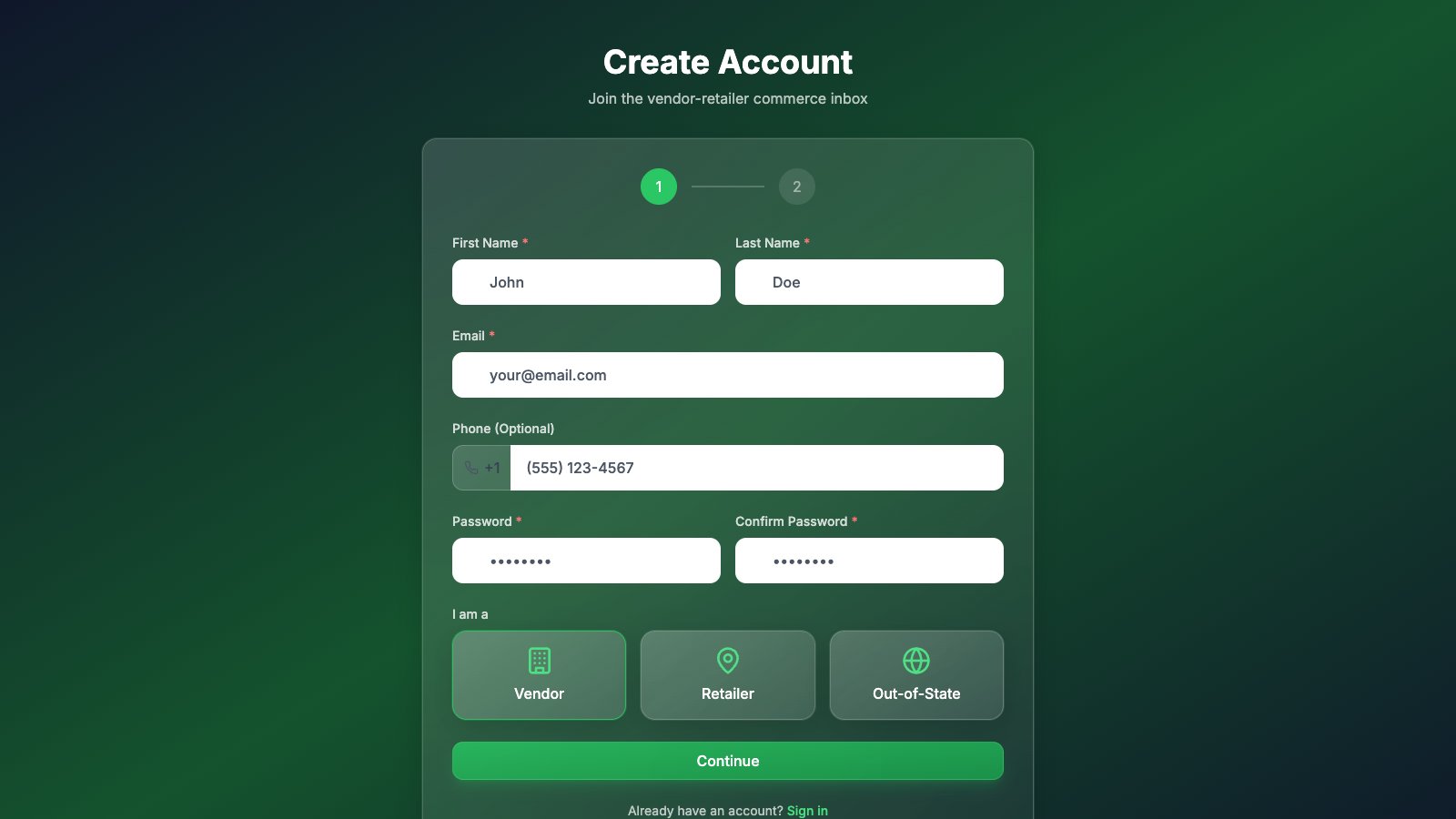
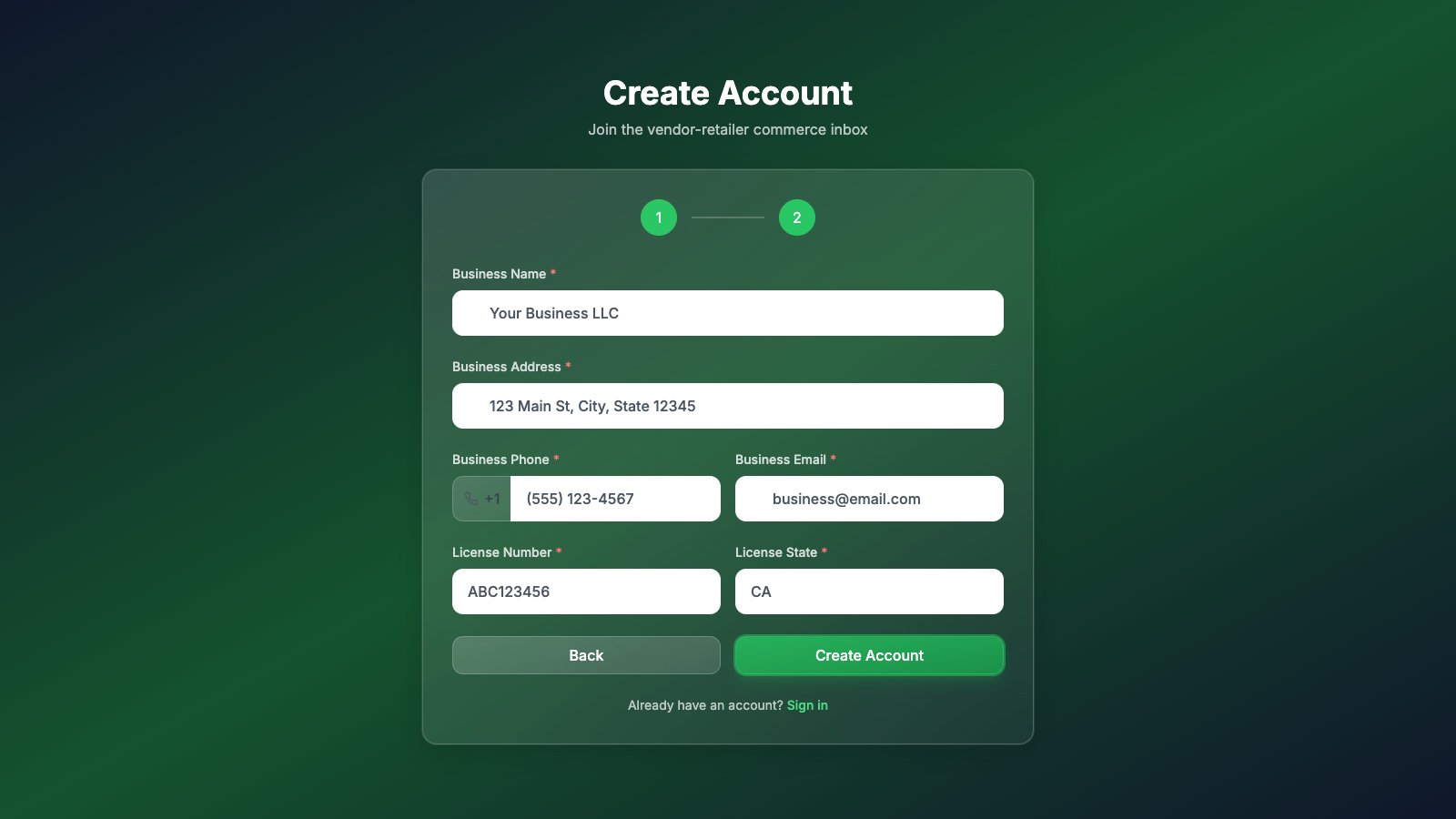
Didn't get the email? Check spam, then try signing in — the app will offer to resend the verification link.
2.Subscribe
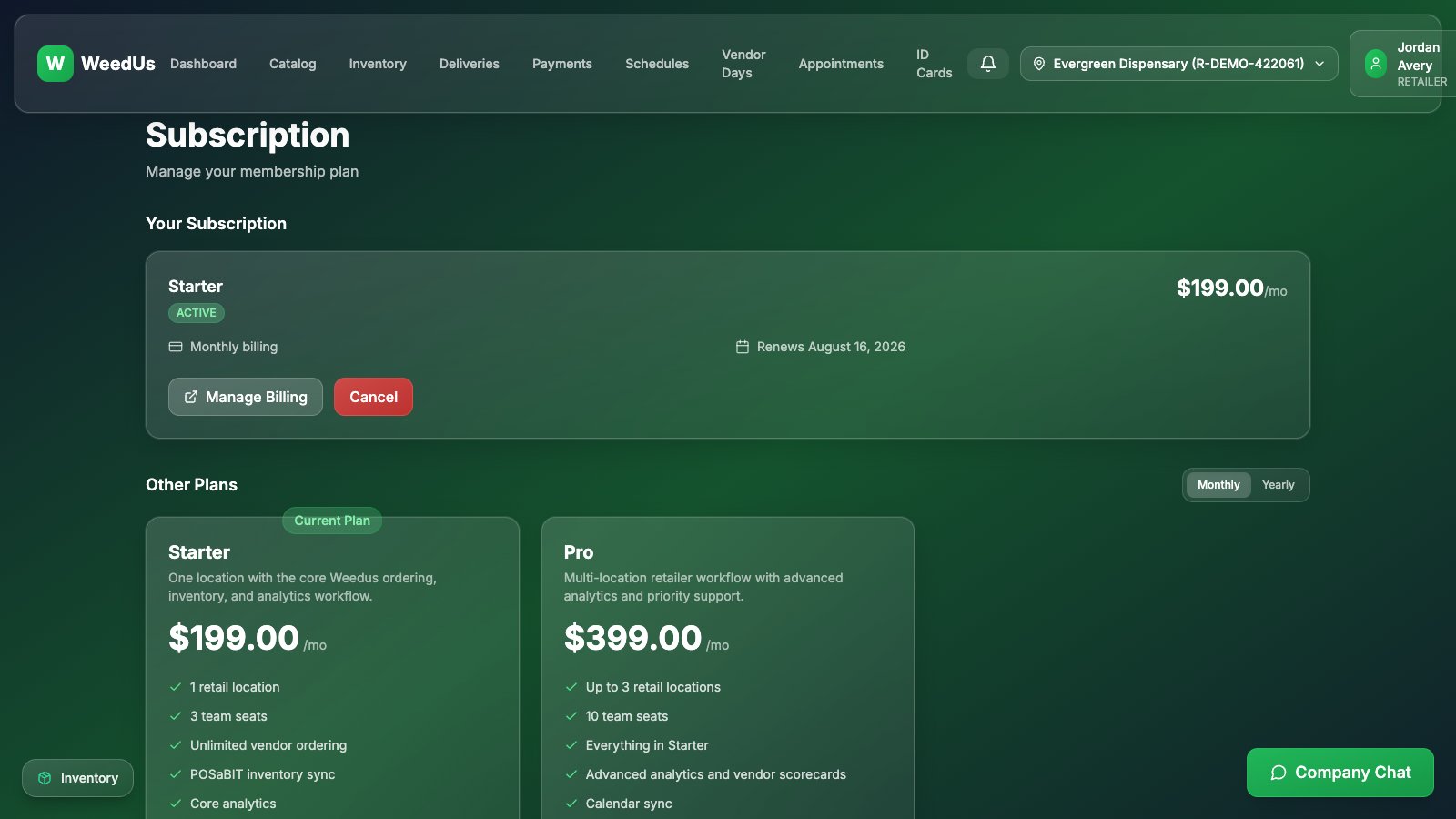
WeedUs for retailers is a monthly subscription. You can pick a plan right after signing up, or later from the Subscription page (under your profile menu).
| Plan | Price | Best for |
|---|---|---|
| Starter | $199/month | One location, up to 3 team seats, ordering + POSaBIT sync + core analytics. |
| Pro | $399/month | Up to 3 locations, 10 seats, advanced analytics, calendar sync, priority support. |
- 1Open the Subscription page and pick Monthly or Yearly billing. (Yearly saves money.)
- 2Press Subscribe on your plan. You'll be taken to a secure Stripe checkout page to enter your card — WeedUs never sees your card details.
- 3After paying you'll return to WeedUs and finish a short onboarding: confirm your business info and license, then submit for review.
WeedUs Analytics is a separate add-on service at analytics.weedus.app with its own plans (Free, Starter $99, Pro $299, Enterprise $799 per month). The Free tier works immediately with your WeedUs login — paid tiers check out through the same secure Stripe flow and bill to your store organization.
3.Daily work: WeedUs Commerce
Day-to-day store operations live in the WeedUs Commerce app at commerce.weedus.app — sign in with the same WeedUs account:
- Catalog & cart — browse vendor catalogs and send orders.
- Orders — track every order you've sent.
- Inventory & POSaBIT — keep your point-of-sale menu in sync.
- Schedules & deliveries — publish delivery windows and receive vendors.
- Vendor days — publish schedules, review bookings, and check vendors in.
- Payments, ID cards, appointments, inbox & chat — all in the same app.
The Commerce app has its own in-app guides covering each feature step by step.
4.Locations & team roles
- Multiple stores? Manage Locations (profile menu) adds new licensed locations, each with its own license. The location selector in the top bar switches between them.
- Teams — invite your staff and control what each member can do:
| Role | Can do |
|---|---|
| Owner | Everything — including business settings, billing, and locations. |
| Manager | Day-to-day operations: orders, deliveries, schedules, ID cards, locations. |
| Budtender | View-only on most pages — can look up inventory and deliveries, but not send orders or change settings. |
5.Profile & settings
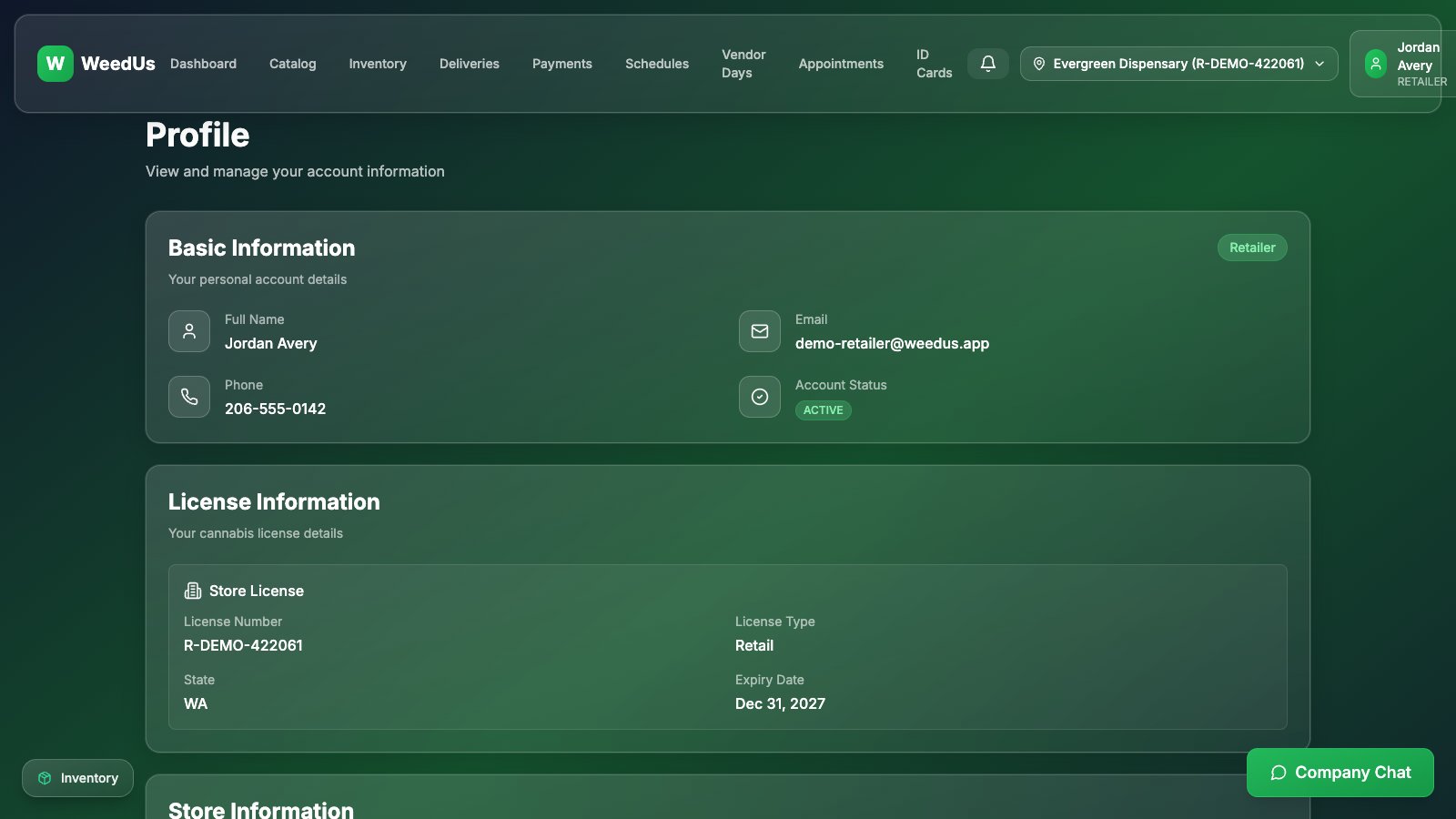
- Profile (profile menu) — a read-only summary of your account and the current store's license info.
- Settings — where you actually edit things: personal info, store info, and password. (POSaBIT connection and calendar sync settings live in the Commerce app.)
- Changing your license number requires an admin review — request it from the Danger Zone at the bottom of Settings.
6.Feedback & help
- Found a bug or have an idea? Open your profile menu and press Feedback — it goes straight to the WeedUs team.
- This guide (and the vendor and out-of-state guides) live inside the app too: profile menu → Help & Guides.