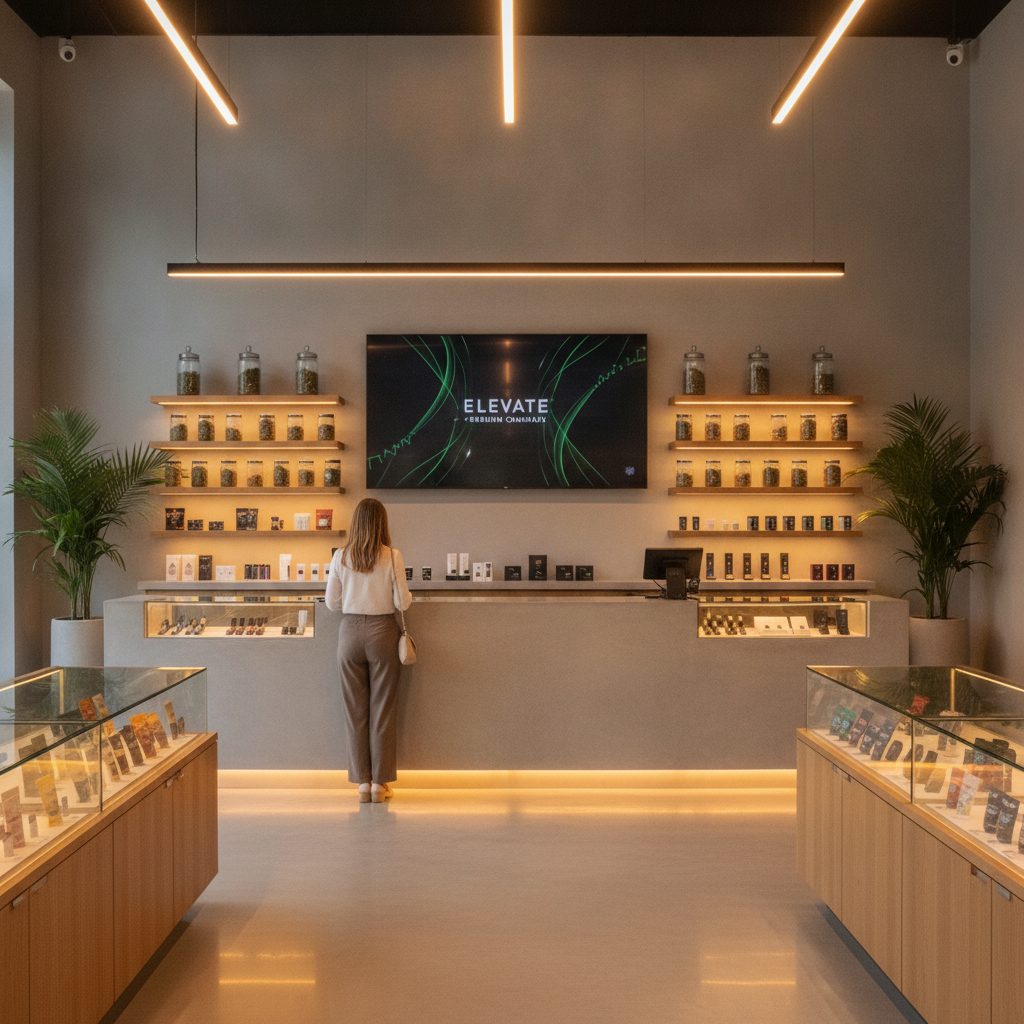
WeedUs Ads
Run your own deals, drops, and vendor brands on every screen in the store.
Plug a Fire Stick into any screen and run your own deals, new drops, and vendor brands from one simple backend. Live POSaBIT sync, unlimited screens, no ad network on your walls.
A Fire Stick plus cloud backend runs on any screen, no proprietary player
Signage, Commerce, Analytics, and CRM on one account and one bill
POSaBIT price and inventory sync, menus are never typed by hand
Live at Shawn Kemp Cannabis and Kemps SODO
What it does
One backend for every screen on the floor
Menus, specials, and vendor features that stay accurate on their own, running on hardware you already have.
Runs on a Fire Stick
Plug a ~$20 streaming stick into any TV you already own. Unlimited screens per location, nothing proprietary to buy or ship.
Live POSaBIT sync
Prices, THC and CBD, and stock update straight from your POS. Out-of-stock items auto-hide so the wall is always right.
AI runs the busywork
Agents auto-build menus, rotate specials, swap sold-out items, and write promo copy across your apps while you run the store.
One shared data layer
The same menu data feeds Commerce, Analytics, and CRM. Not a one-way POS feed into a siloed signage tool.
Deals, drops, and vendor brands
Schedule dayparts, rotate specials, and feature new drops or vendor brands from one simple backend, on your schedule.
Compliant by default
Potency fields, warnings, and Washington rules are baked in, so screens stay accurate and WSLCB-ready.
How it works
From box to live in an afternoon
Plug in the stick
Drop a Fire Stick into any TV in your lobby, at the counter, or in the window. Point it at the WeedUs backend and it wakes up ready.
Connect POSaBIT
Your live menu, pricing, and inventory flow in on the same POS backbone that runs the rest of your WeedUs suite. No hand-typing.
Go live and forget it
Screens auto-recover and stay accurate on their own. Push a deal or a new drop from the backend and every screen updates at once.
See it in your store
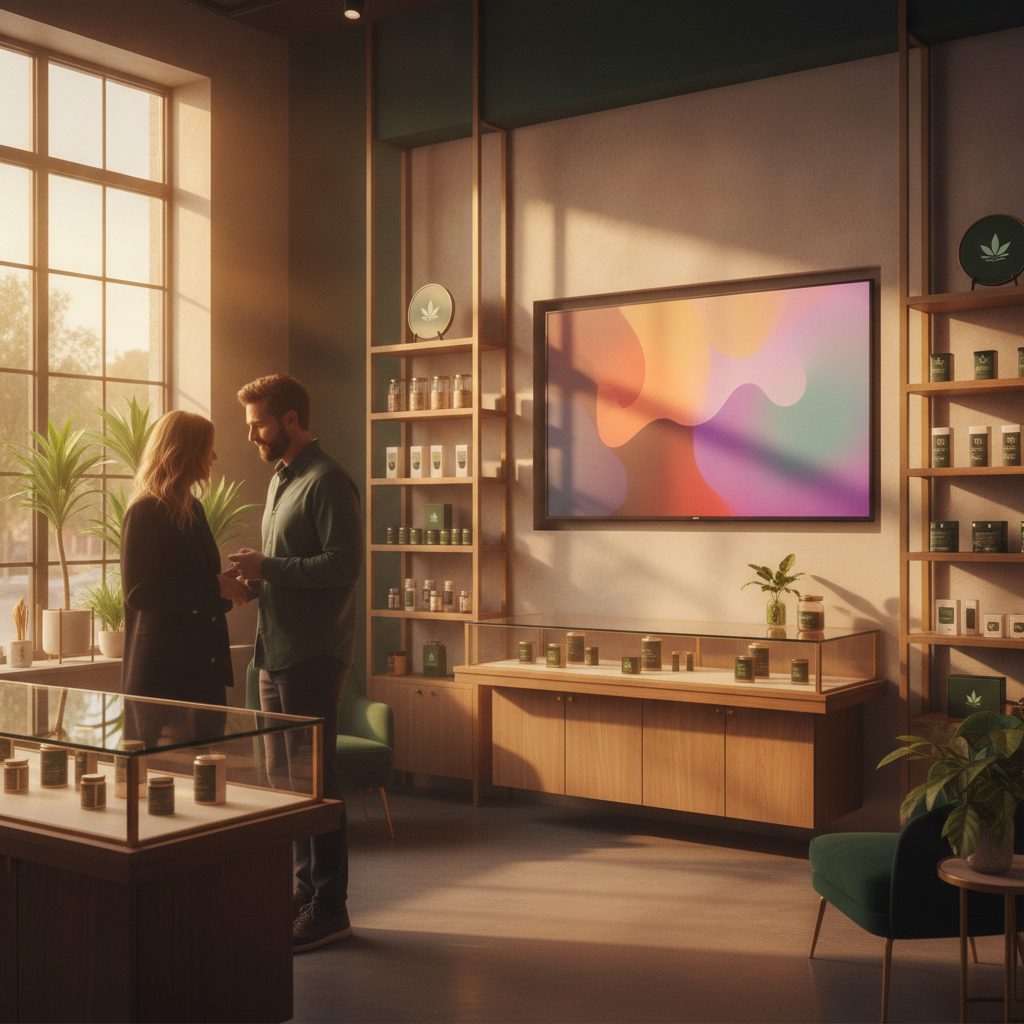
Screens that sell, not screens you babysit
Your walls should move product and feature the brands paying to be there. WeedUs Ads turns any TV into a live, on-brand menu and promo surface that runs off your own data, so the floor sells while you work the counter.
- Unlimited screens per location on cheap streaming sticks
- Out-of-stock items disappear automatically, so nothing on the wall is wrong
- Feature vendor brands and new drops on a schedule you control
- Screens auto-recover, so no display sits blank during a rush
How we compare
We benchmarked the tools dispensaries actually use
Cannabis in-store screens split into two camps: dedicated menu-board SaaS that live-syncs from your POS, and ad-supported networks that give you free hardware in exchange for running third-party brand ads on your walls. Live sync, cheap sticks, unlimited screens, and compliant fields are table stakes now. The gap none of them close is that signage is sold as a standalone tool with its own login, its own bill, and its own POS connector, disconnected from your commerce, analytics, and CRM.
| Feature | Typical tools | WeedUs |
|---|---|---|
| Data layer | Signage app pulls a one-way POS feed and lives in its own silo | Shares one live data layer with Commerce, Analytics, and CRM, one source of truth |
| Login and billing | A separate signage vendor with its own login and its own monthly invoice | One login and one bill across every app in the suite |
| POSaBIT sync | Generic multi-POS connectors, POSaBIT often unsupported | Native POSaBIT sync, same POS backbone as the whole suite |
| Who runs the menu | You in a self-serve CMS, or their agency in a managed-service model | AI agents auto-build menus, rotate specials, and swap out-of-stock across apps |
| Ads on your screens | DOOH networks put third-party brand ads on your walls for 'free' hardware | Your screens, your promos, driven by your own sales and inventory data |
| Hardware | Proprietary per-screen player or a generic streaming stick, signage-only | Fire Stick into any TV, cloud backend, unlimited screens per location |
| Scope | Signage is the entire product | Signage is one module in a connected retail OS |
| Pricing model | Per-screen or per-location signage fee, stacked on every other tool you pay for | One suite bill, signage included, no per-app stacking |
We looked at the tools dispensaries actually use, from menu-board apps and digital-signage vendors, to horizontal signage CMS platforms, to in-store ad networks. WeedUs is the only one where the screen is one module in a connected retail OS.
Live in real Washington stores.
Shawn Kemp Cannabis and Kemps SODO run WeedUs.
Their screens run on the same suite that powers their commerce, analytics, and CRM, one login, one bill, one source of truth.
Questions
What owners ask us
Do I need to buy special hardware?+
No. A ~$20 Fire Stick into any TV you already own is all it takes. There is no proprietary player to buy, ship, or replace, and you can run unlimited screens per location.
Does it work with POSaBIT?+
Yes, natively. Your screens run on the exact same POS backbone as the rest of the WeedUs suite, so prices, potency, and stock sync live. Many signage tools do not support POSaBIT at all.
Do you put ads for other brands on my screens?+
Never. This is your screen and your promo space. Unlike ad-supported networks that hand your foot traffic to third-party brands, your walls are driven by your own deals, drops, and inventory data.
How much of this do I have to manage myself?+
As little as you want. AI agents build menus, rotate specials, and swap out-of-stock items automatically. When you want to push a deal or feature a vendor brand, it is one action in one backend.
Put your deals, drops, and vendor brands on every screen.
Plug in a Fire Stick, connect POSaBIT, and run the whole floor from one backend. We will set it up with you.